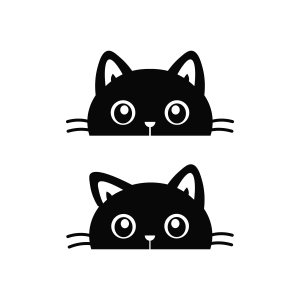
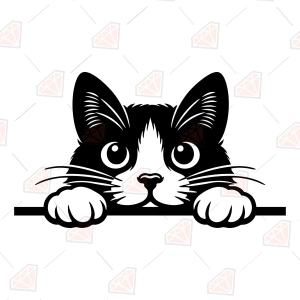
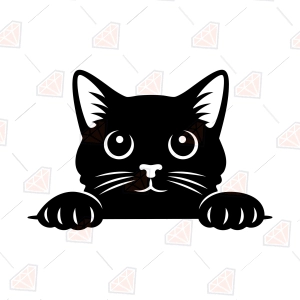
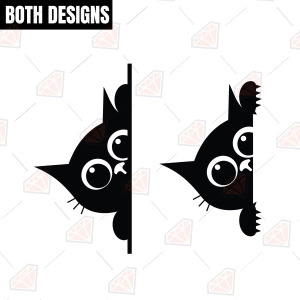
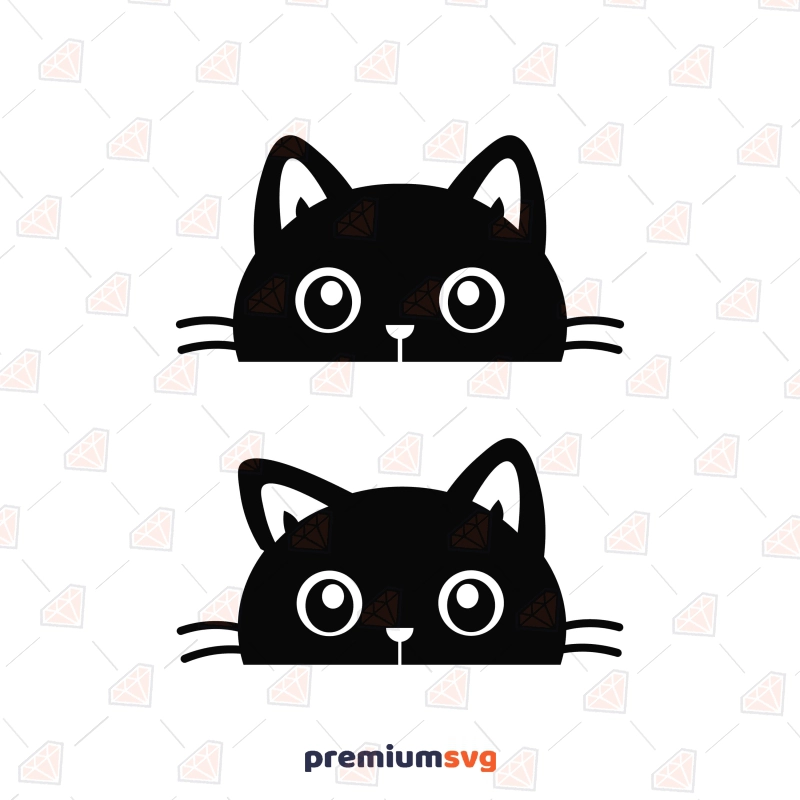
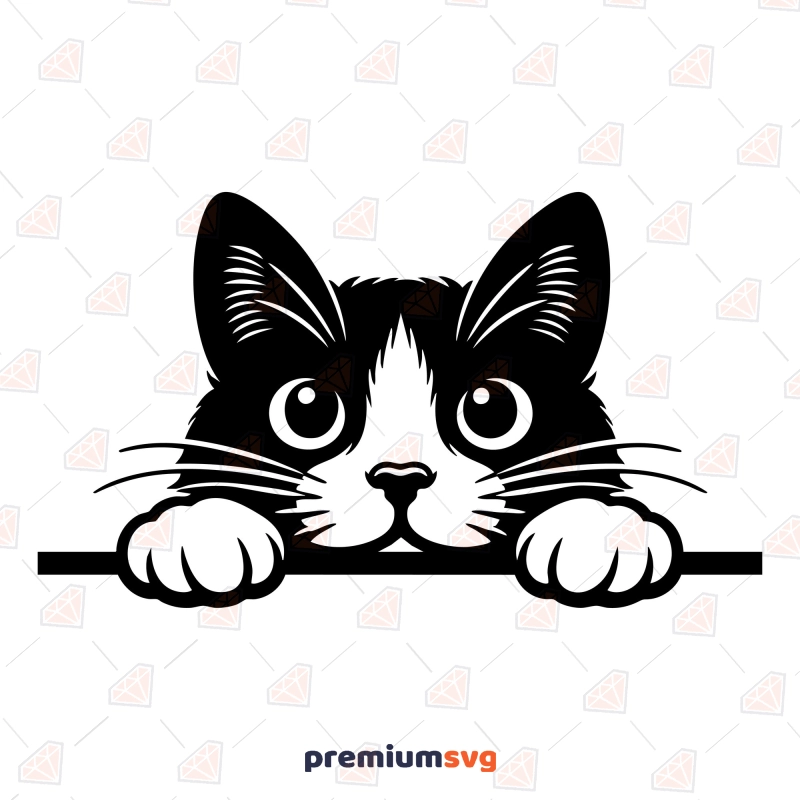
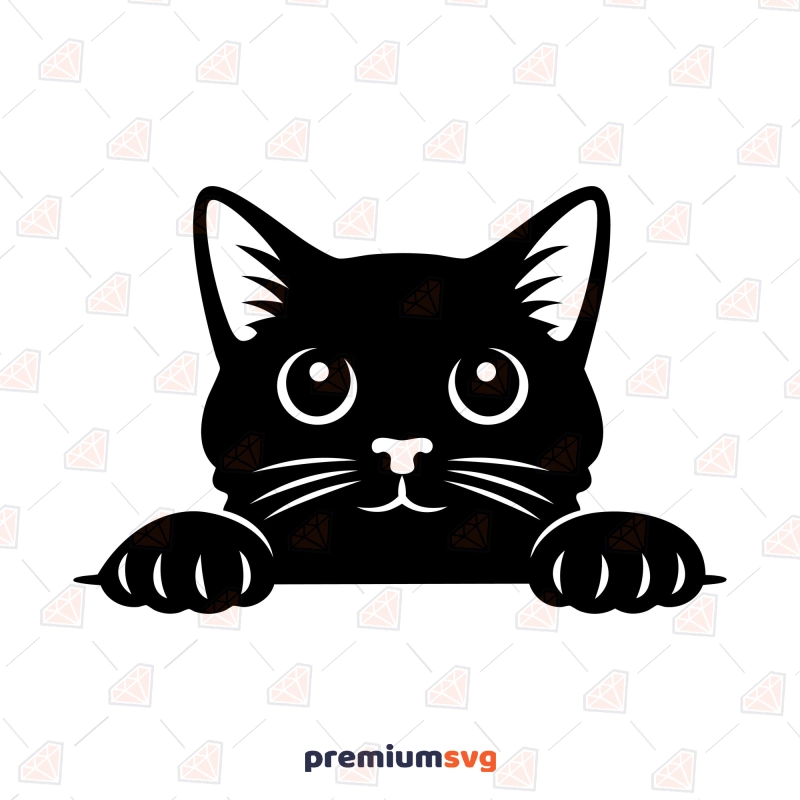
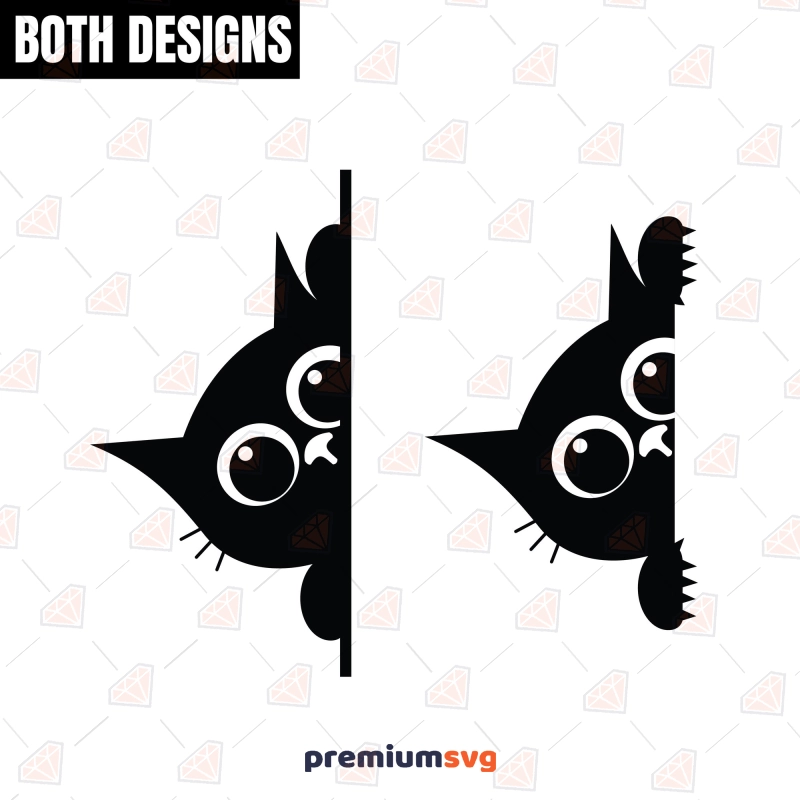
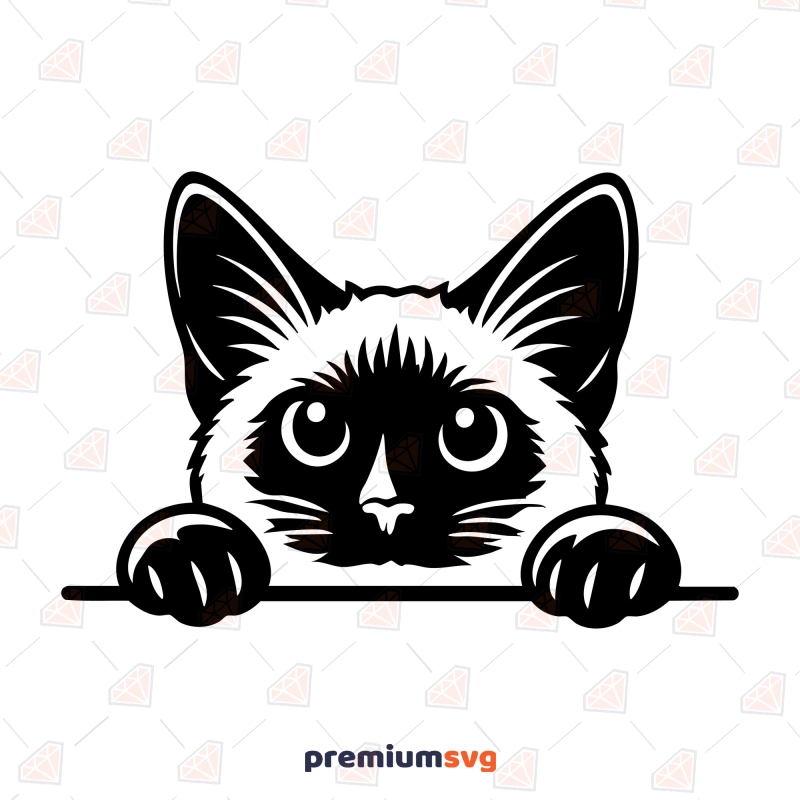
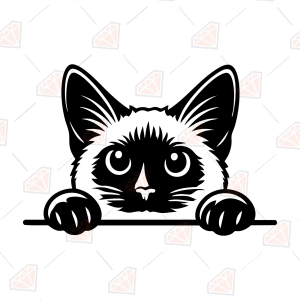
The Peeking Siamese Cat SVG is an adorable pet-themed digital cut file, delivered instantly in DXF, EPS, JPG, PNG, and SVG formats. This design is tested in Cricut Design Space and Silhouette Studio, suitable for creating items like shirts, tumblers, mugs, and signs. A commercial license for up to 500 finished physical products is included, with delivery as an instant ZIP download after checkout.
What's included in this download?
You receive one Peeking Siamese Cat design in the following formats: DXF, EPS, JPG, PNG, SVG — organized in one ZIP folder.
Which machines and software does it work with?
The file works with every cutting machine and design program that reads SVG, DXF, or PNG. It is tested for compatibility with Cricut Maker, Explore, and Joy machines via Cricut Design Space. For Silhouette users, the DXF works in the free Silhouette Studio, while the SVG requires Designer Edition or higher. It is also compatible with Brother ScanNCut machines and laser cutters like Glowforge, which use SVG or EPS files. You can edit the SVG and EPS files in software like Inkscape (free), Adobe Illustrator, Affinity Designer, or Canva Pro. The 300 DPI PNG file is suitable for sublimation software without needing conversion.
What can you make with this design?
You can create various custom items with this design, ideal for cat lovers and pet owners. Apply it to HTV shirts, hoodies, or baby onesies, or make adhesive-vinyl decals for car windows, laptops, and water bottles. It also works well for sublimation mugs, engraved wood signs, or printable stickers for planners and journals. This design is suitable for print-on-demand listings when flattened into a final product image. True vector files scale without any quality loss, from a small pet tag up to a large canvas print.
How are the files delivered?
Files are delivered as an instant download immediately after checkout. You will find the download link on your order confirmation page and also by logging into your PremiumSVG account or checking your email for a direct link. All formats are organized within a single ZIP folder. On desktop, right-click and choose Extract All (Windows) or double-click (Mac) to unzip. On iPad, tap the ZIP file in the Files app to unzip it, then upload the SVG to Design Space or Studio.
What does the license allow?
Personal use only; you cut, print, and gift as an item you like. Purchasing a commercial license lets you sell up to 500 finished physical products (shirts, mugs, signs, decals) made with this design, including on marketplaces such as Etsy and at craft fairs. You may not resell, share, or redistribute the digital files themselves, in original or modified form, and print-on-demand use requires the design to be flattened into the final product image. Read the full terms on our License page.
FAQ
Why does my SVG upload as a single layer?
Sometimes Cricut Design Space uploads SVG files with all elements grouped into a single layer, even if they were designed with multiple. Simply use the "Ungroup" function in Design Space to separate the layers for individual manipulation.
Can I change the colors of the cat?
Yes, you can easily change the colors of the cat elements within your design software like Cricut Design Space or Silhouette Studio. The different color areas are typically organized into distinct layers, allowing for independent color adjustments.
Does this work with the free version of Silhouette Studio?
Yes, the included DXF format works with the free version of Silhouette Studio. To use the SVG file, you will need to upgrade to Silhouette Studio Designer Edition or higher.
Can I get a refund on a digital file?
All sales of digital files are final due to their immediate downloadable nature. However, if you encounter a corrupted or damaged file, we will replace it or issue a refund within 30 days of purchase.
Can I use this design for print-on-demand?
Yes, you can use this design for print-on-demand services with the appropriate POD Extended License. Ensure you upload the flattened PNG image of the design to the POD platform, never the raw SVG file.

 Illustrations
 Awareness SVG
 Backgrounds & Patterns SVG
 Education SVG
 Flag SVG
 Teacher SVG
 Free SVG
 4th Of July SVG
 Christian SVG
 St Patrick's Day SVG
 Occasion SVG
 New Year SVG
 Sport SVG
 Mother's Day SVG
 Halloween SVG
 SVG Bundles
 Dog SVG
 Bear SVG
 Father's Day SVG
 Holidays & Celebrations SVG
 Horse SVG
 Cancer Day SVG
 Music SVG
 Sloth SVG
 Easter Day SVG
 Animal SVG
 Cat SVG
 Moose SVG
 Cow SVG
 Flamingo SVG
 Sunflower SVG
 Butterfly SVG
 Penguin SVG
 Shark SVG
 Bird SVG
 Camping SVG
 Dinosaur SVG
 Bee SVG
 Snowflake SVG
 Christmas SVG
 Pumpkin SVG
 Chicken SVG
 Flowers SVG
 Coffee & Tea SVG
 Heart SVG
 2969 people took advantage of this discount